
Copy this n8n template to follow along
Every time you open a fresh AI chat and start by re-explaining your business, your client, or the project you've already described fifty times, you are doing your agent's job. The model has no access to any of that context. So you become the database, pasting the same reference material into the same prompts again and again.
That is grunt work, and it is exactly the kind of manual task automation should eliminate. Your job is to orchestrate the tools. The system's job is to look things up when it needs them.
The fix is a vector database your agent can search. The cleanest path to one today is the Pinecone Assistant node in n8n, wired into your AI Agent as a tool. Below we'll walk through the official template, the setup, and a real use case we built on top of it.

Standard databases store records you query by name or ID. A vector database stores meaning. Ask it a question and it returns the chunks of information semantically related to that question. That is why vector databases are the backbone of every serious retrieval-augmented generation (RAG) system.
Pinecone is one of the more popular options. Until recently, wiring Pinecone up to an AI agent meant building your own pipeline: chunking documents, generating embeddings, configuring retrieval, handling reranking. Tedious work, even for engineers.
Pinecone Assistant changed that. It handles chunking, embedding, and retrieval automatically. You upload your files and it does the rest. Pinecone reports its assistant tested up to 12 percent more accurate than OpenAI's equivalent on grounded answers.
n8n now ships an official Pinecone Assistant node. Combined with the right template, you get a working RAG pipeline in minutes instead of days.
The template we recommend was built by XRAY's own Doc Williams. You can grab it here: https://n8n.io/workflows/13091-store-ai-chat-conversations-with-openai-gpt-41-mini-and-pinecone/
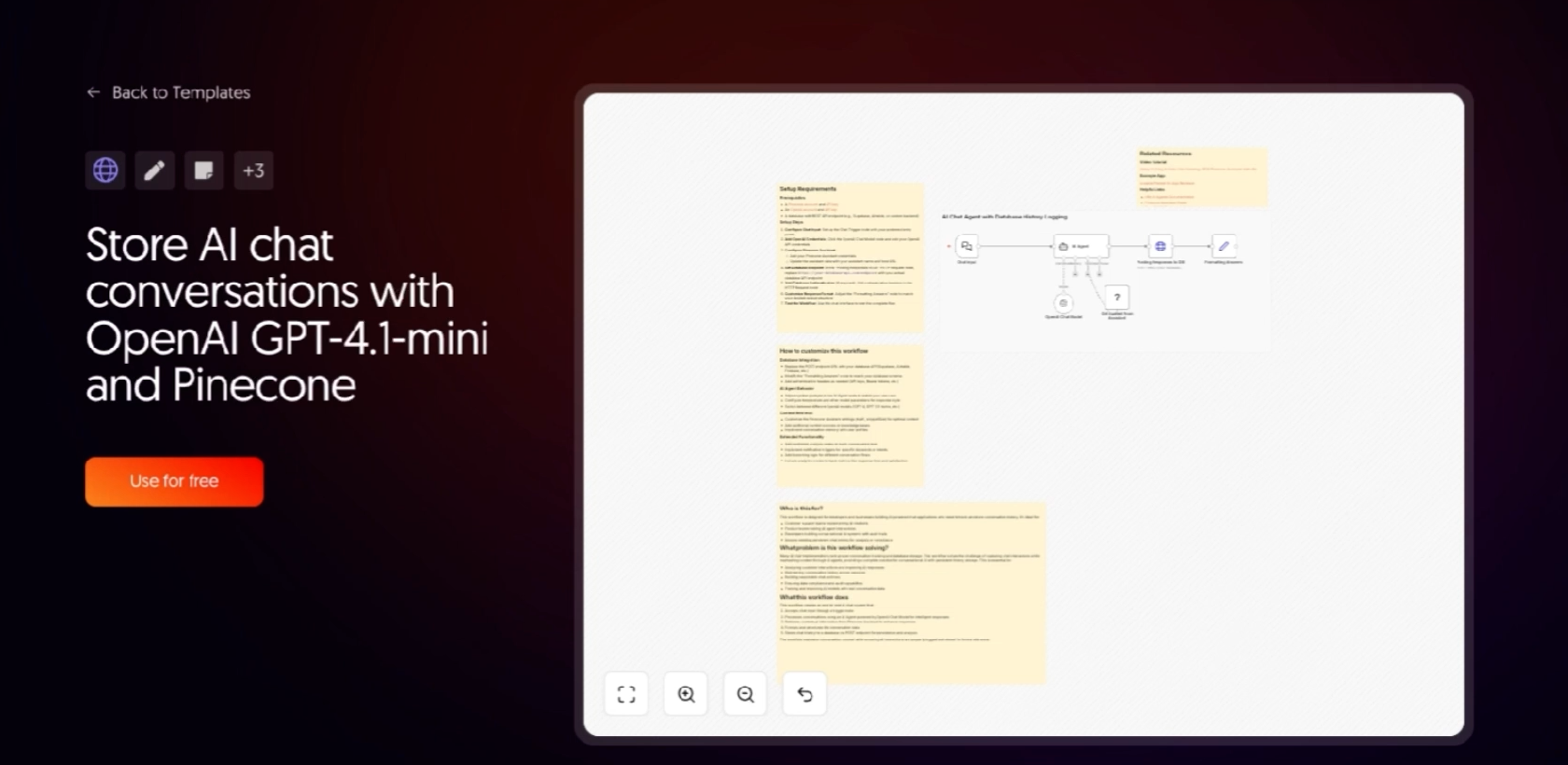
Here is what's inside:
• Chat Input node captures the user's message
• AI Agent node routes the request
• OpenAI Chat Model generates the response using GPT-4.1-mini
• Pinecone Assistant node, connected as a tool, pulls relevant context from your knowledge base
• A second AI Agent formats and logs the conversation
• Edit Fields node structures the output for your database
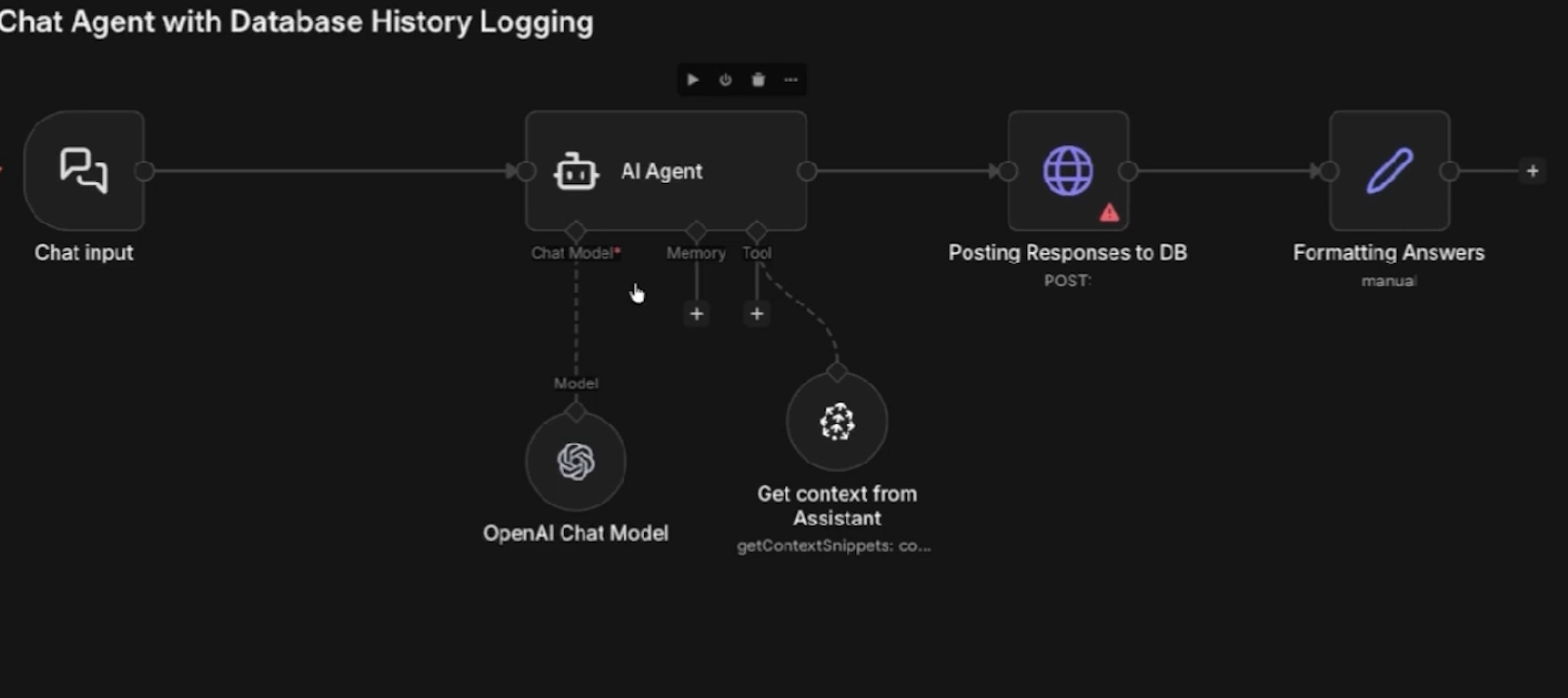
Every interaction gets logged to your database of choice, so you have a full record of how the agent is being used. The agent itself does not automatically learn from those logs, but the record is there if you want to build on it.
You’ll only need three things to create your own AI agent connected to a Pinecone vector database:
• A Pinecone account (the free tier is fine to start)
• An OpenAI account with API access
• An n8n instance, either cloud or self-hosted
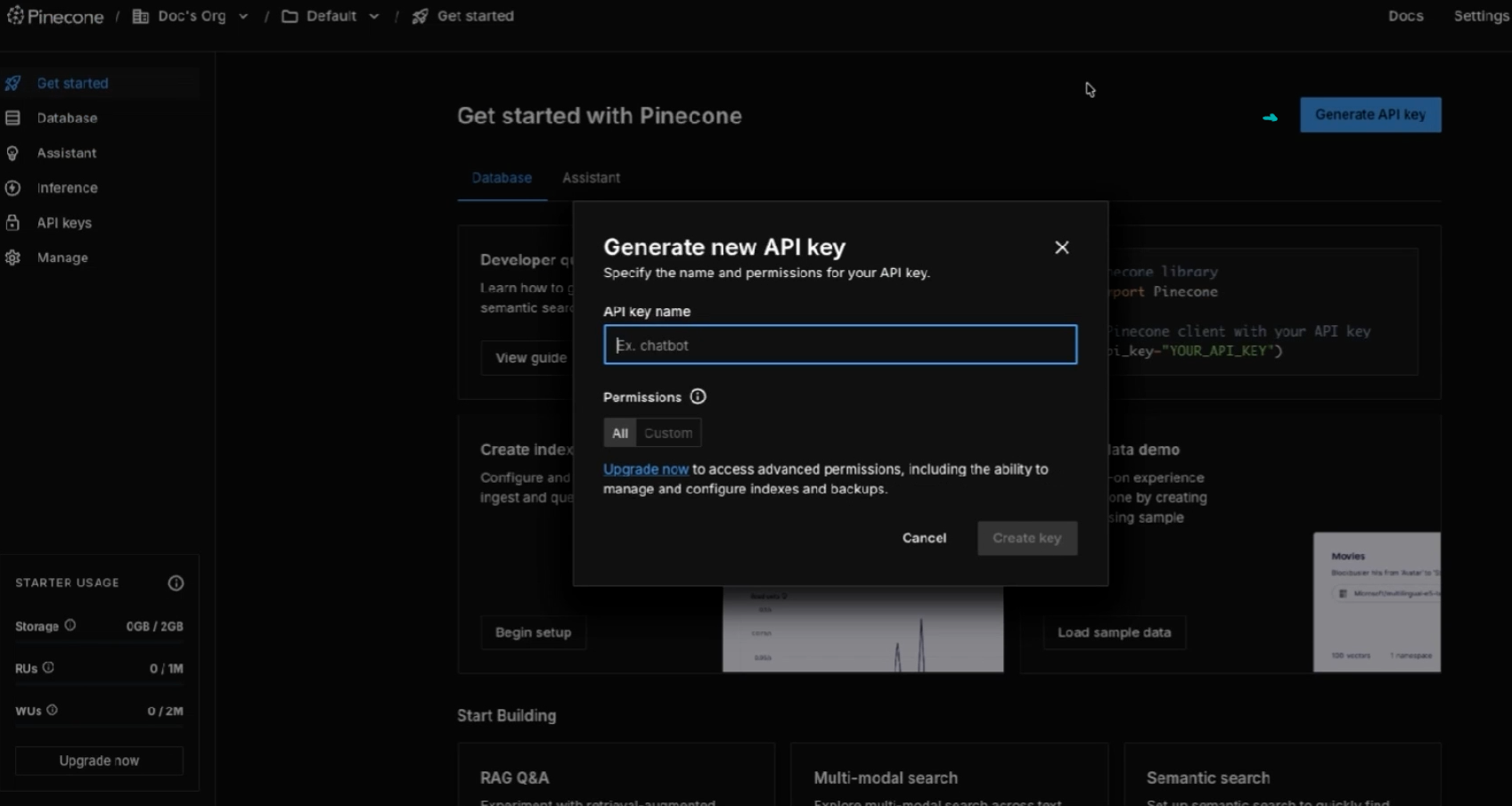
Sign in at app.pinecone.io, open the API Keys section, and generate a key. Give it a name and choose your permissions.
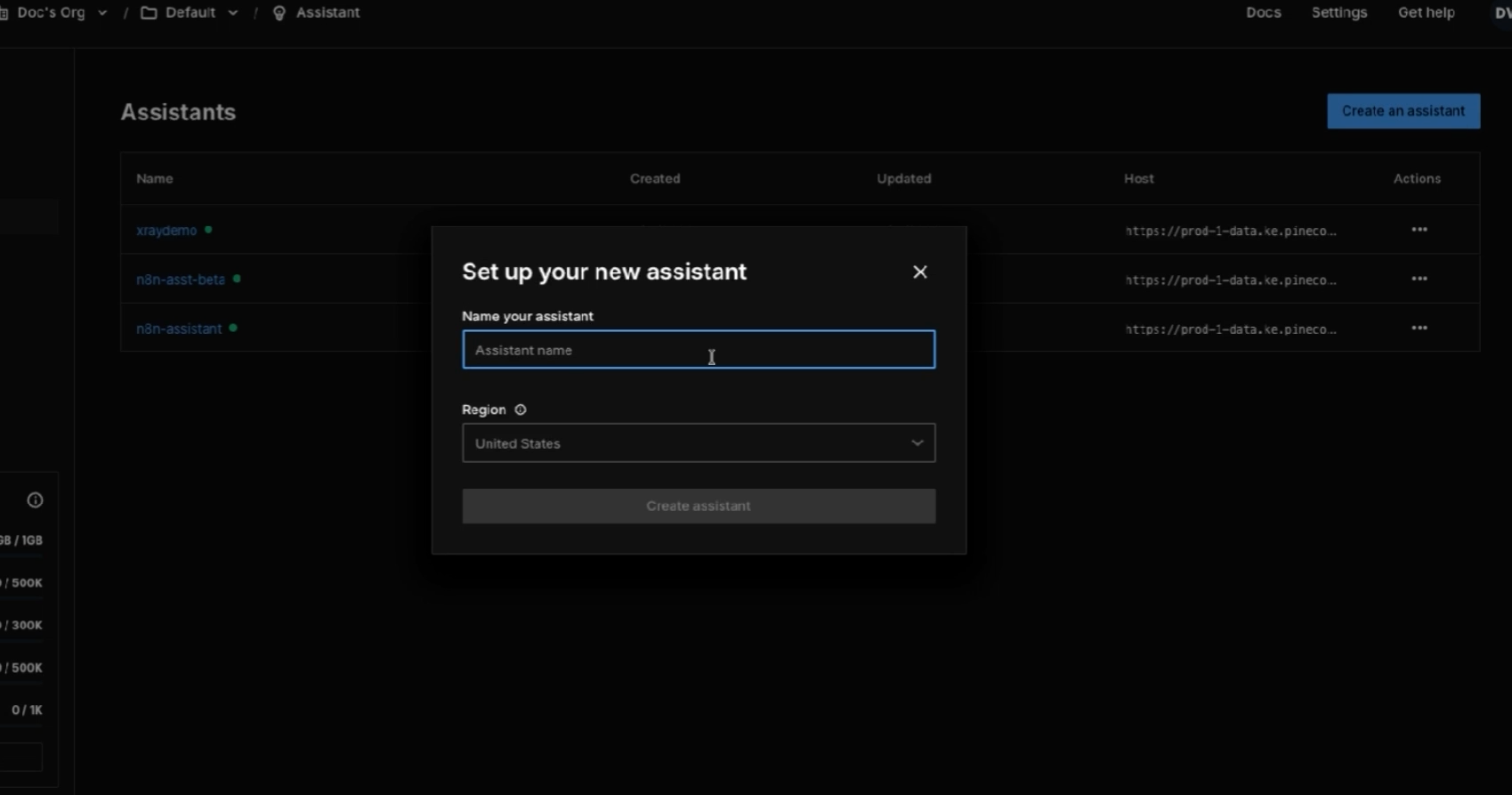
Then go to the Assistant tab and click Create an Assistant. Pick a name, pick a region, and you're done.
Pinecone gives you a playground where you can drag and drop PDFs, DOCX files, TXT, JSON, or Markdown. Anything you drop in becomes part of your assistant's knowledge base.
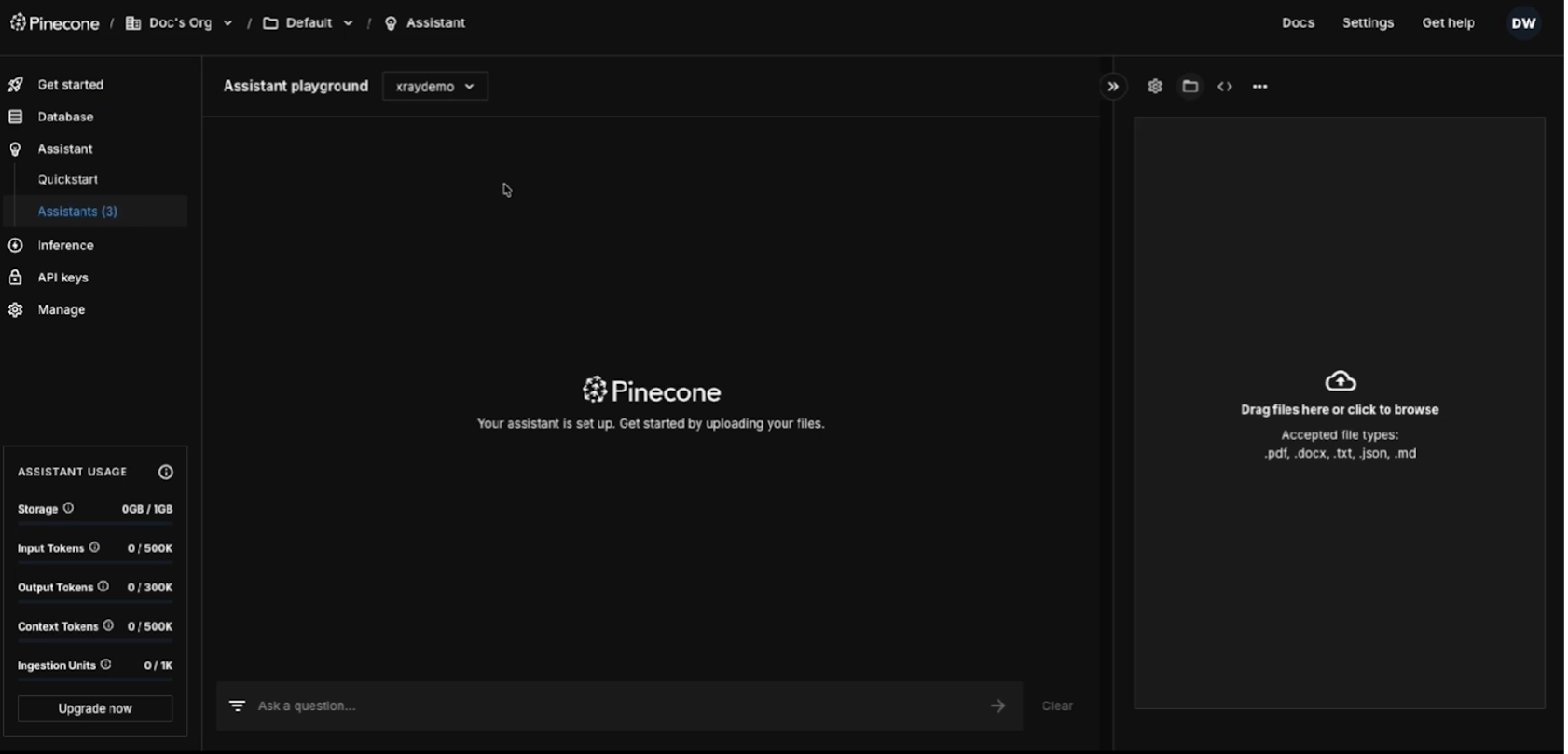
This is also where the privacy story gets interesting. Files stay private to each assistant and can be removed at any time. If you do not want OpenAI or Anthropic touching your client documents or internal IP, this is the right architecture.
Open the template. In the OpenAI Chat Model node, add your OpenAI credentials and set the model to GPT-4.1-mini.

In the Pinecone Assistant node, select your Pinecone credentials, change the operation to Get Context Snippets, and point it at the assistant you just created.

The database logging step defaults to a POST request to a storage endpoint. Swap that for whatever you actually use. Supabase, Postgres, Airtable, even a Slack channel if you just want a running log.
That is the whole setup. No custom chunking, no embedding configuration, no vector math. The template hides everything that used to make this hard.
Doc built a small tool called App Review Exporter. It pulls reviews from the iOS and Android app stores across more than 20 countries. The point is competitive research, because before you build a product, you want to know what users hate about the competition.
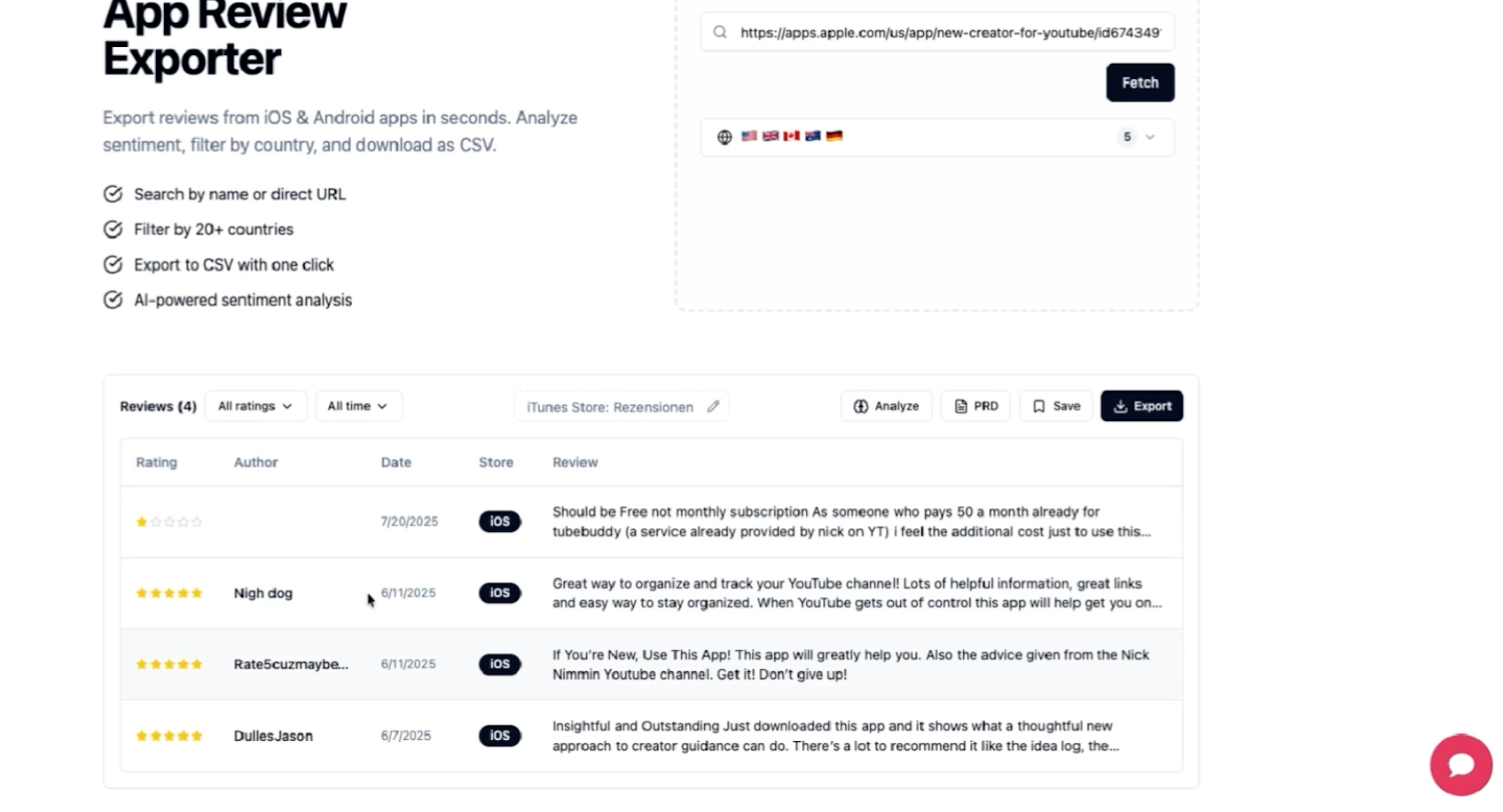
Pulling reviews is easy. Making sense of thousands of them is not.
So he wired Pinecone Assistant in using this exact template. The user uploads a CSV of reviews. The agent ingests them, embeds them, and answers questions like "what are the top three pricing complaints?" or "which features get the most praise?"
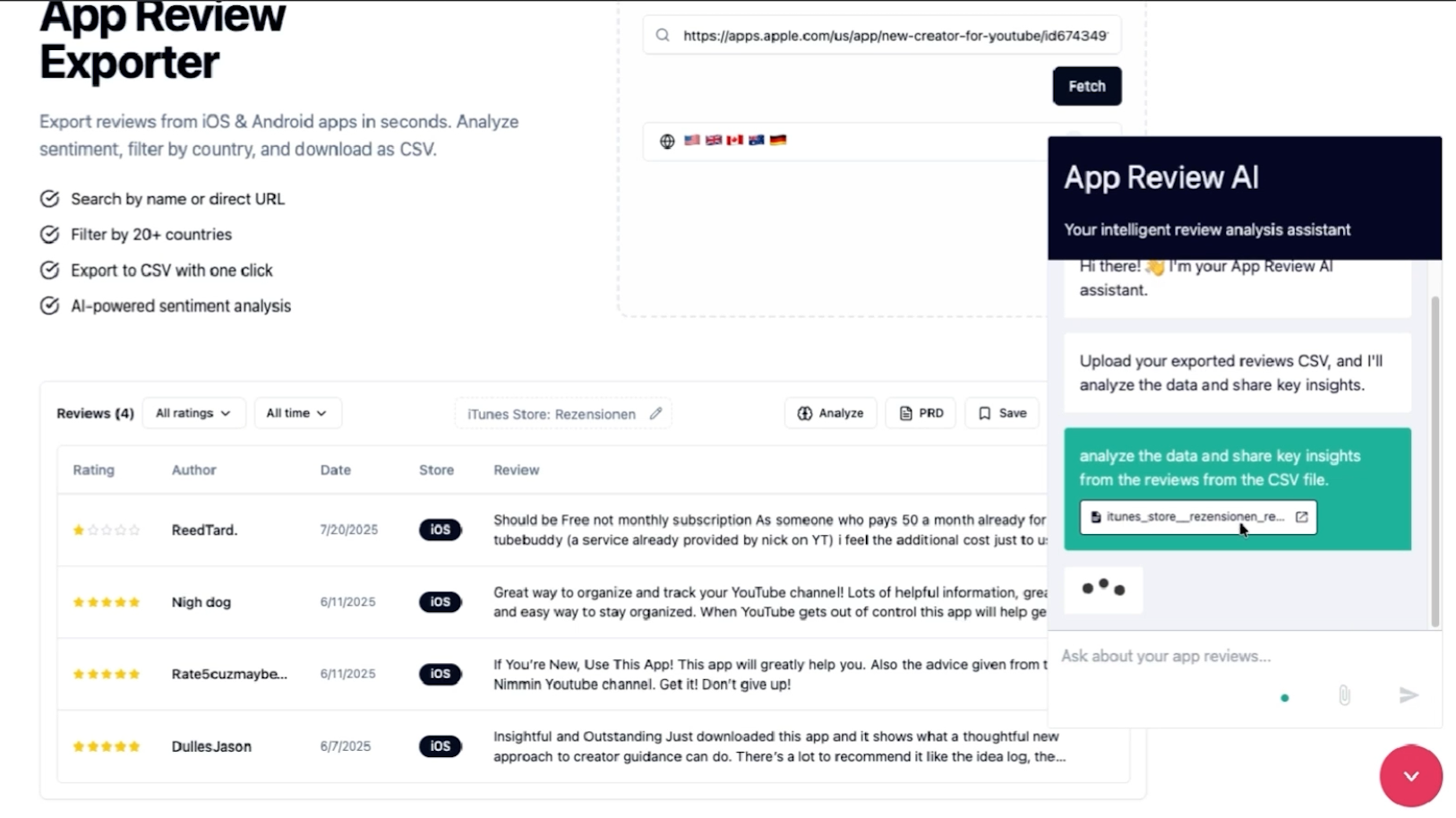
The response comes back structured: subscription concerns, positive endorsements, feature requests, an overall summary.

The chat interface is built in Lovable. The backend is n8n. The intelligence is Pinecone plus OpenAI. None of it required writing a retrieval pipeline by hand.
A few patterns worth building on this template:
• Internal knowledge bases your agent can search without leaking data to public model providers
• Client-specific context that follows a conversation across sessions
• Document analysis where the corpus is too large to stuff into a single prompt
• Customer support bots grounded in your actual product documentation
• Research workflows that need persistent reference material across projects
The pattern is always the same. Upload the knowledge. Let the assistant retrieve. Stop pasting context by hand.
If you are still the one feeding your AI its context every time, you are working below your job description. The whole point of these tools is to orchestrate them, not to babysit them.
This template is one of the cleanest examples we have seen of that principle in action. Fifteen minutes of setup replaces hours of manual context management, and that ratio is the entire reason XRAY exists.
We help businesses find where this kind of leverage is sitting unused in their workflows, then build the systems to capture it. There are two ways to work with us:
• XRAY Hourly is a live working session at $250 per hour. We build alongside you on Zoom and solve the specific bottleneck in front of you.
• XRAY Monthly is a consulting & implementation engagement where we map your processes, find the highest-impact opportunities, and build the systems to run them.