

Getting a Gemini API key takes about two minutes.
Once you have it, you can connect Google's AI to automation tools like Zapier and Make, letting you automate prompts, generate content on demand, or build custom workflows that tap into Gemini's capabilities.
Here's how to set it up.
Navigate to aistudio.google.com and log in with your Google account.
The first time you access Google AI Studio, you'll see a terms and conditions modal. Check the box to accept the developer agreement and click Continue.
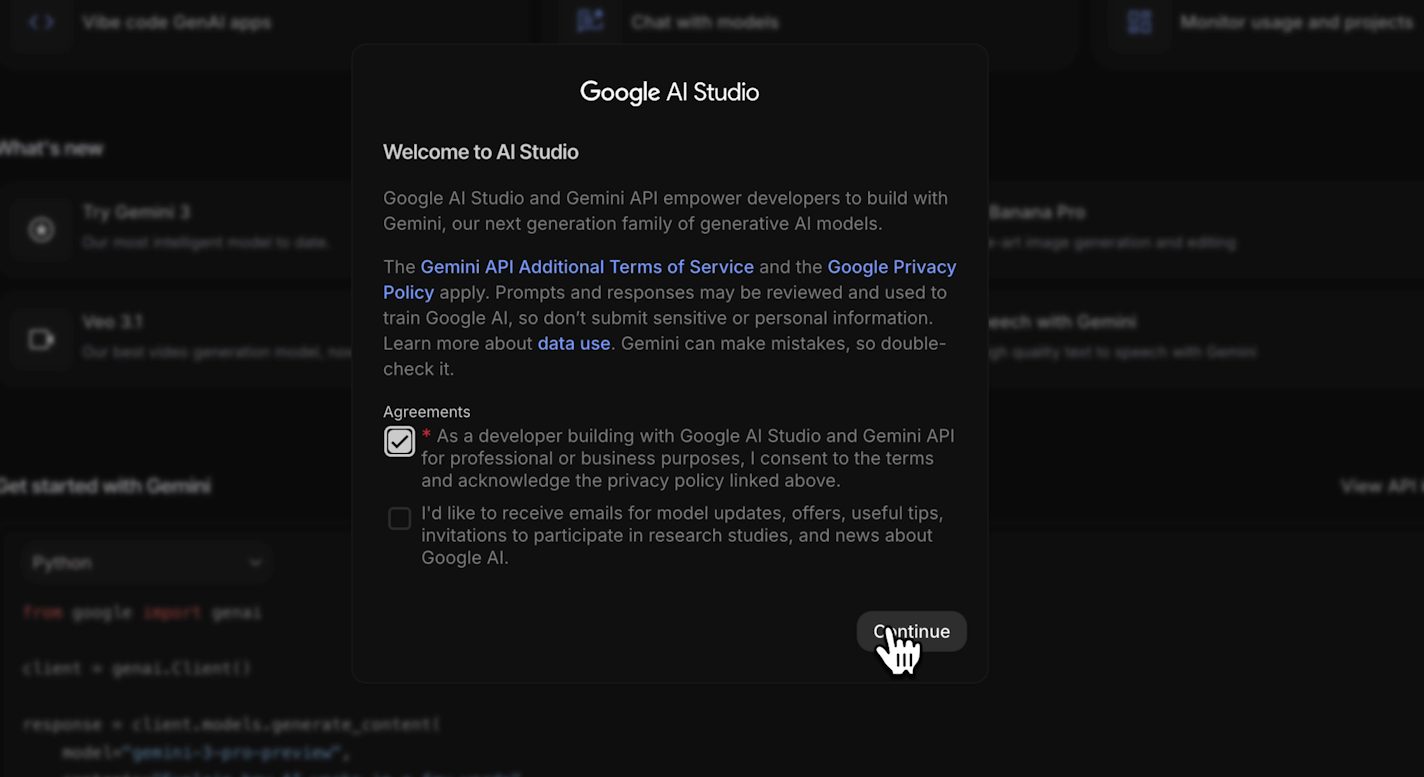
Note that the second checkbox asks you to consent to receive marketing materials, and does not need to be checked to start using the Gemini API.
Once you're in, you'll see several options on the home screen. You can prototype AI apps, chat with models, and monitor usage.
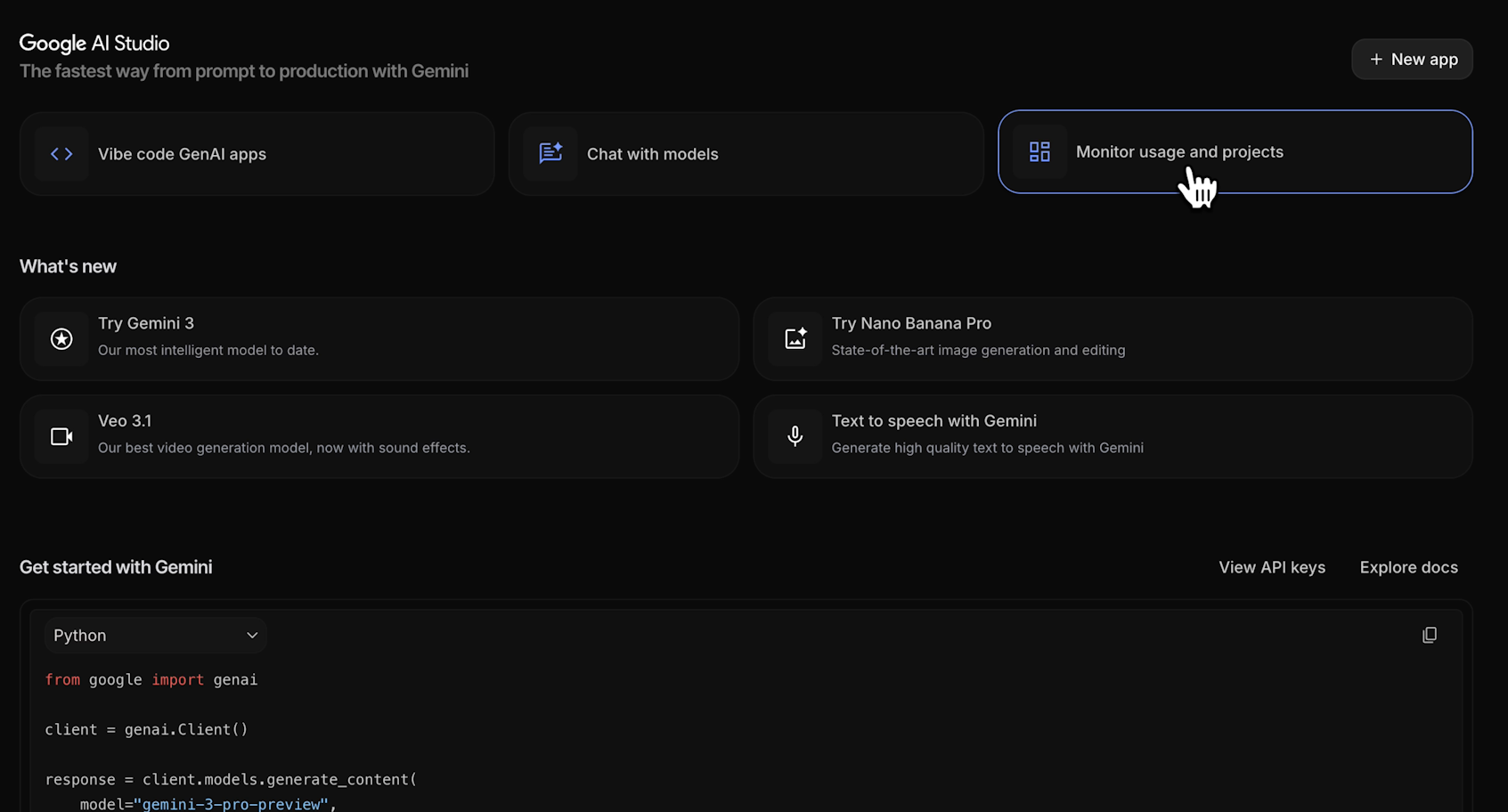
To create a new API key, click "Get API Key" in the bottom left of the screen.

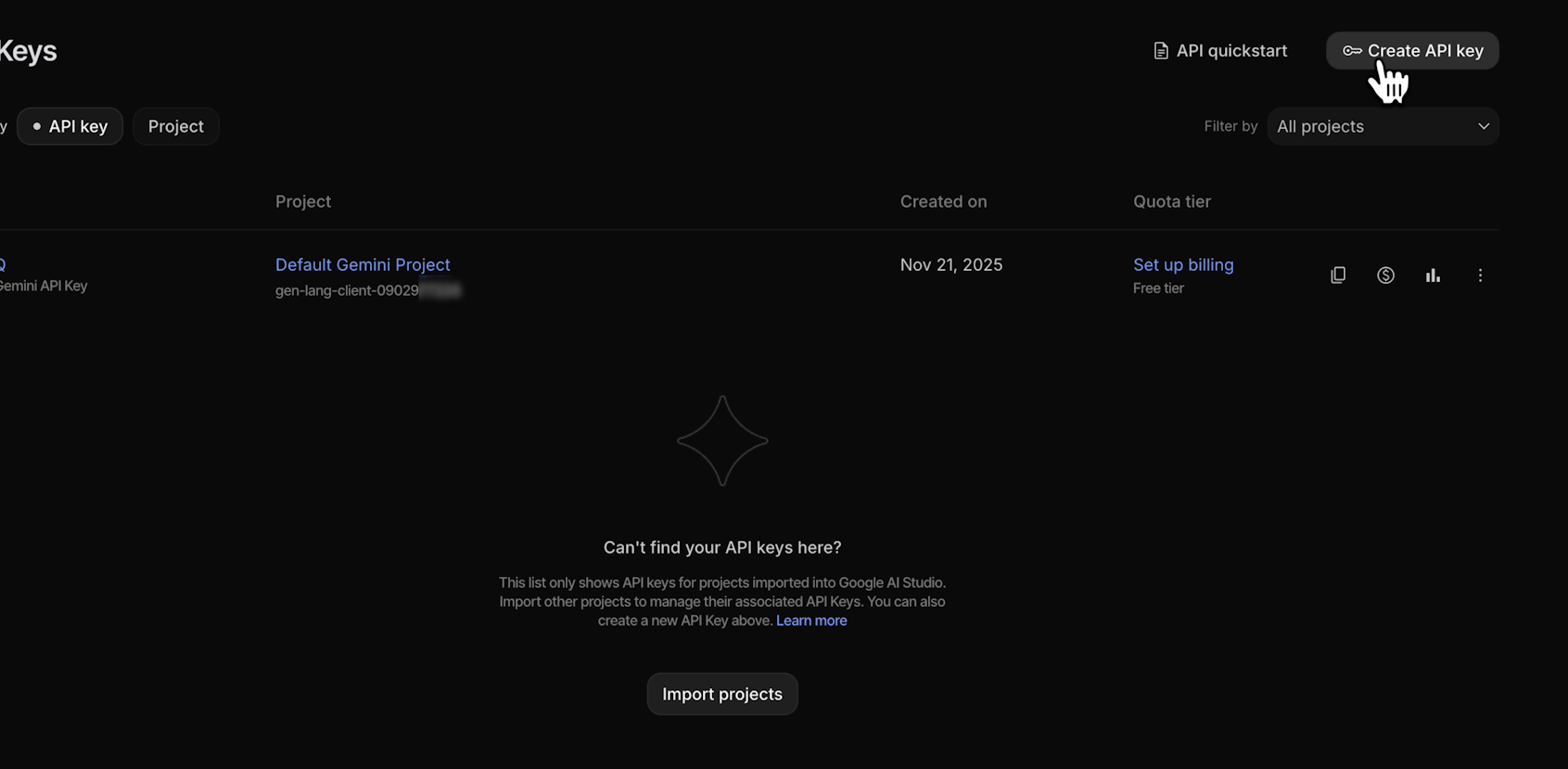
You'll see a default API key ready to use. You can copy this key immediately and start using it if you’d like.
However, it’s generally best to create unique keys for each AI project so that you can easily track usage.
To create a new key for a specific project, click "Create API Key" in the top right.
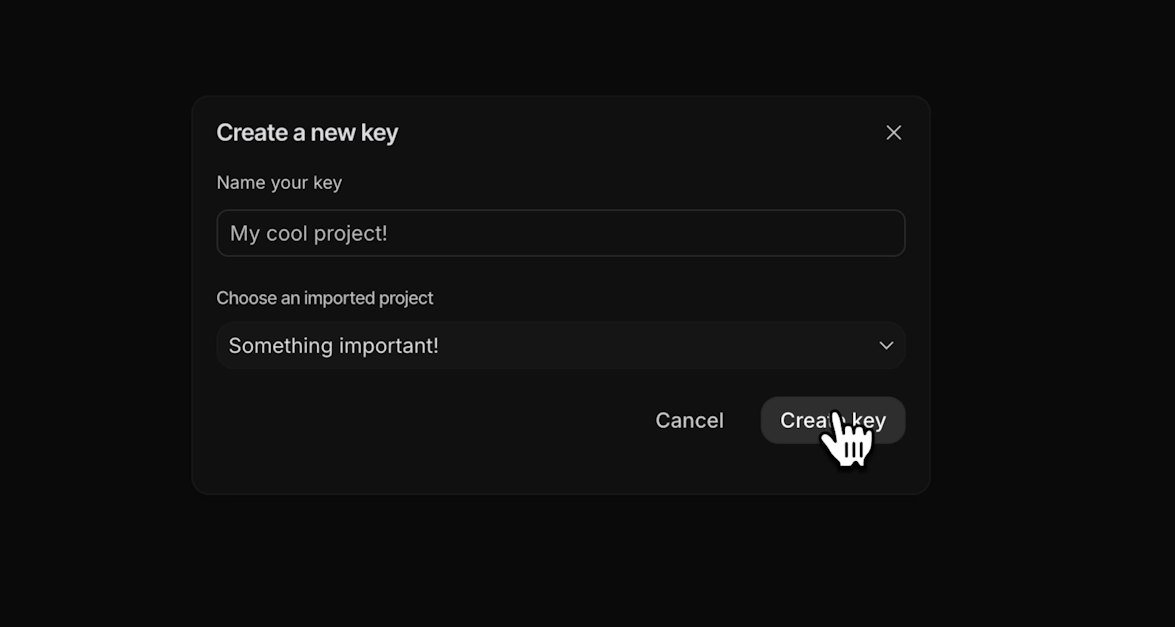
Give your key a descriptive name.

Create a new Cloud project for your key or select an existing one. Then click "Create Key."
Your new API key will appear in the list. Click on the “Copy” icon to add it to your clipboard.
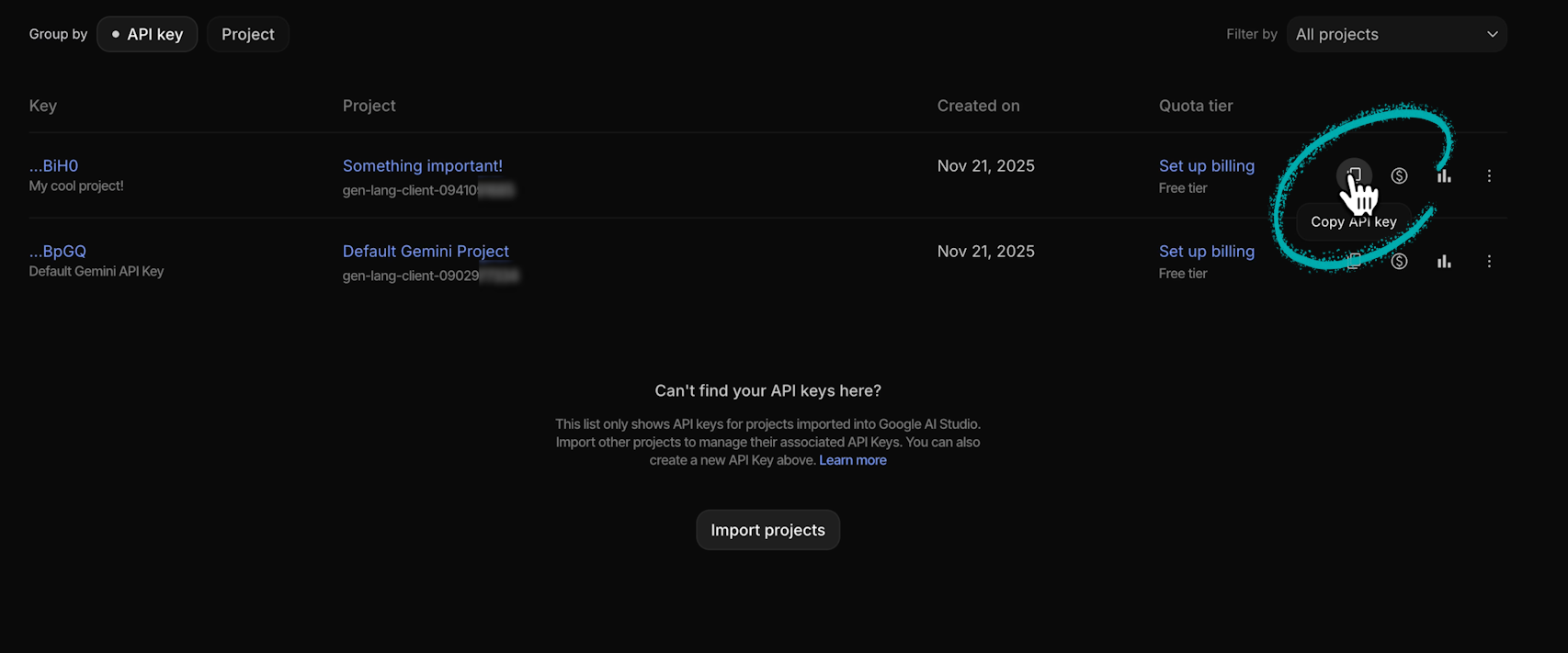
When viewing your API keys, you can click on the bar graph icon to view usage statistics (or click on “Usage” in the left hand menu).

Monitoring becomes essential once you start using keys across multiple applications. You'll be able to see which key is being used where and how often, and you’ll be able to spot automations that might be running more than anticipated.
Google AI Studio offers a generous free tier that works well for testing automations. You can read more about its limitations here, but for most users experimenting with AI automation, the free plan is more than enough.
If you're running production scenarios with hundreds of API calls per minute or per hour, navigate to Settings in the bottom left, and select “Billing Support” to upgrade your plan.
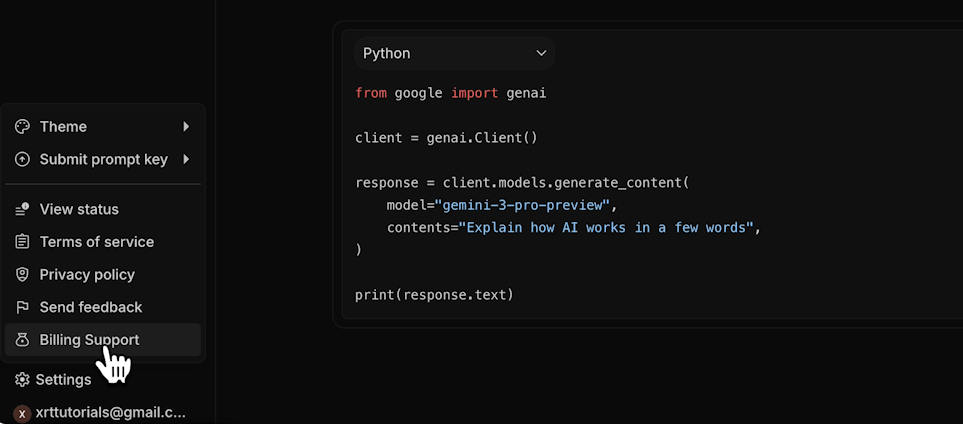
You now have a Gemini API key. Use it to connect Gemini to Zapier, Make, or any other platform that supports the Gemini API.
Need help building AI systems and automations?
Visit hourly.xray.tech for expert support.
Sign up for collaborative one-on-one sessions where you can learn while building your project. It's the fastest way to get your AI projects off the ground.